Premise
Keep the useful things
at the edge of attention.
A GPU temperature does not need an entire window. A finished task does not always need another notification on the main display. Meow Monitor starts with a spare strip of screen space and gives these small signals somewhere to live.
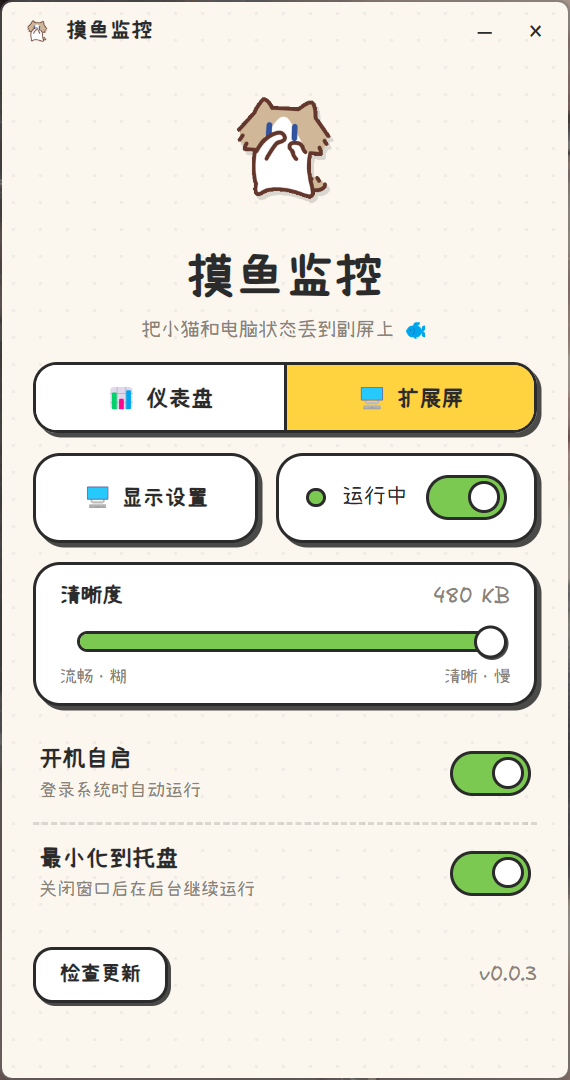
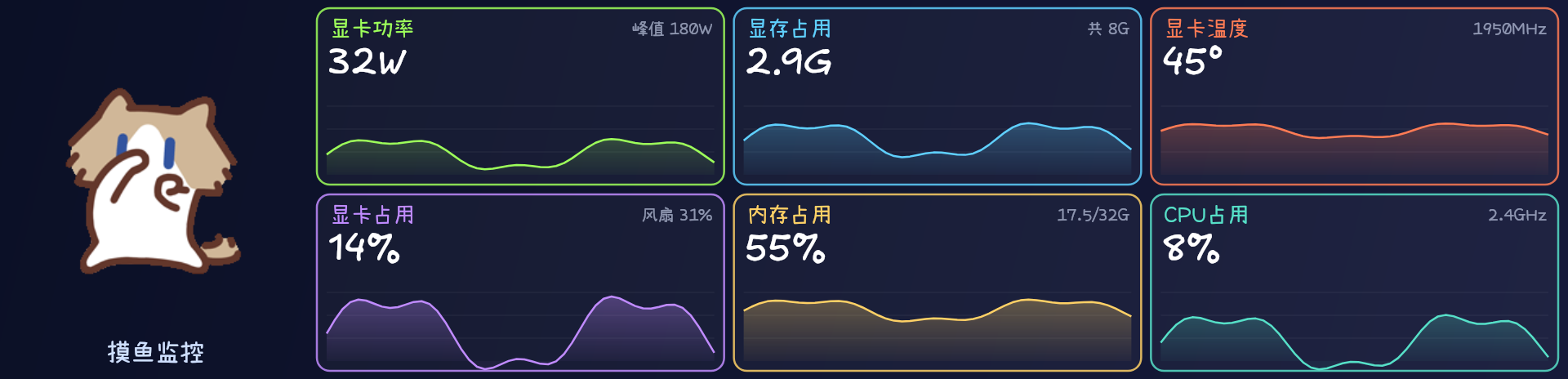
The dashboard pairs large readings and recent trends with SalaryCat, a tiny animated coworker. Switch the left side to the cyber rail and the same screen becomes a place for scripts and agents to leave short reports while you keep working.
A little company while the machine works. A little signal when it needs you.
The dashboard
Six curves.
One quick glance.
GPU power, video memory, GPU temperature, GPU utilization, system memory, and CPU usage sit together as reorderable cards. Each pairs the current value with a rolling history, so a short spike and a sustained workload look different at a glance.
A little context
Colored curves show recent activity alongside the large numbers. NVIDIA GPU readings come from nvidia-smi; CPU and memory readings come from the local system.
A softer interface
Handwritten labels and the animated SalaryCat give a hardware dashboard the feeling of a small desk companion.
Cyber rail
A small command.
A visible handoff.
In cyber rail mode, the left side becomes a local message feed. A tool sends its name and a short update through the meow CLI. The screen shows the sender, time, and message, with an optional animated “叮!” when something new arrives.
meow "codex" "Build complete. Ready for review."An example command: the tool or agent actively sends the report. The rail does not automatically watch every task.
Build, script, or agent
Local communication
A glance, then a decision
Delivery and visibility are separate. The CLI reports whether the message is on the screen now, stored while the rail is hidden, or unable to reach the running app. That distinction makes a completed task easier to hand back without assuming the user has already seen it.